Every tool, one quiet bar.
Five modes sit at the bottom of the screen: Looks, Adjust, Retouch, Crop and Frame. Here is everything inside them, and where else Mariframe works.
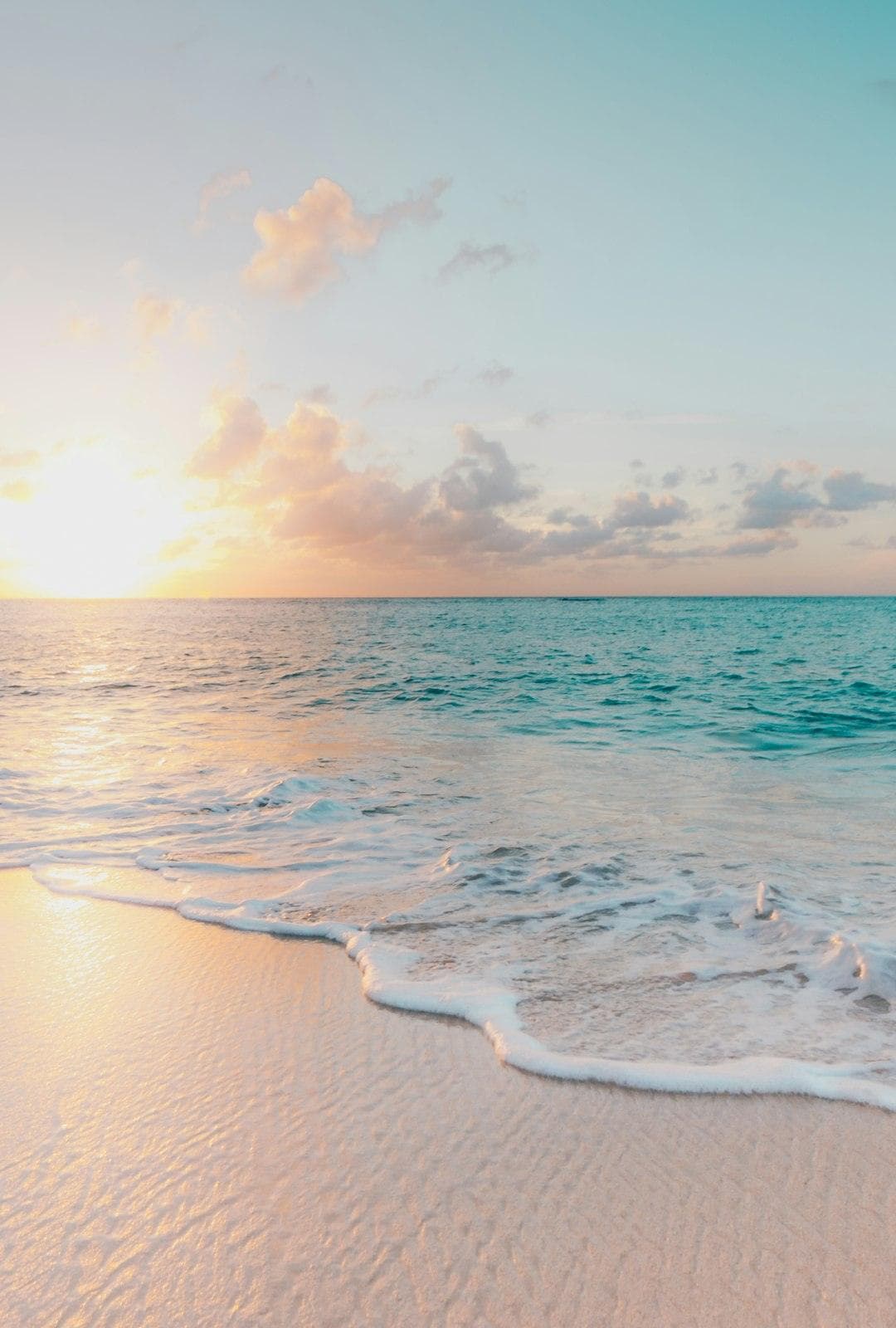
Over thirty film looks, tuned by hand.
Each look has real grain and halation and a strength slider. Auto balances light and colour first, in one tap.
- Film looksHoney, Gold, Tide, Ember, Linen, Pearl, Dusk, Moss, Velvet, Smoke and Frost.
- AutoFixes light and colour on your device, free and offline.
- StrengthEvery look goes from a hint to full, on one slider.
- MineSave your own edits as looks, with their own thumbnails.
 HoneyTideEmberDuskFrost
Every slider, on one ruler.
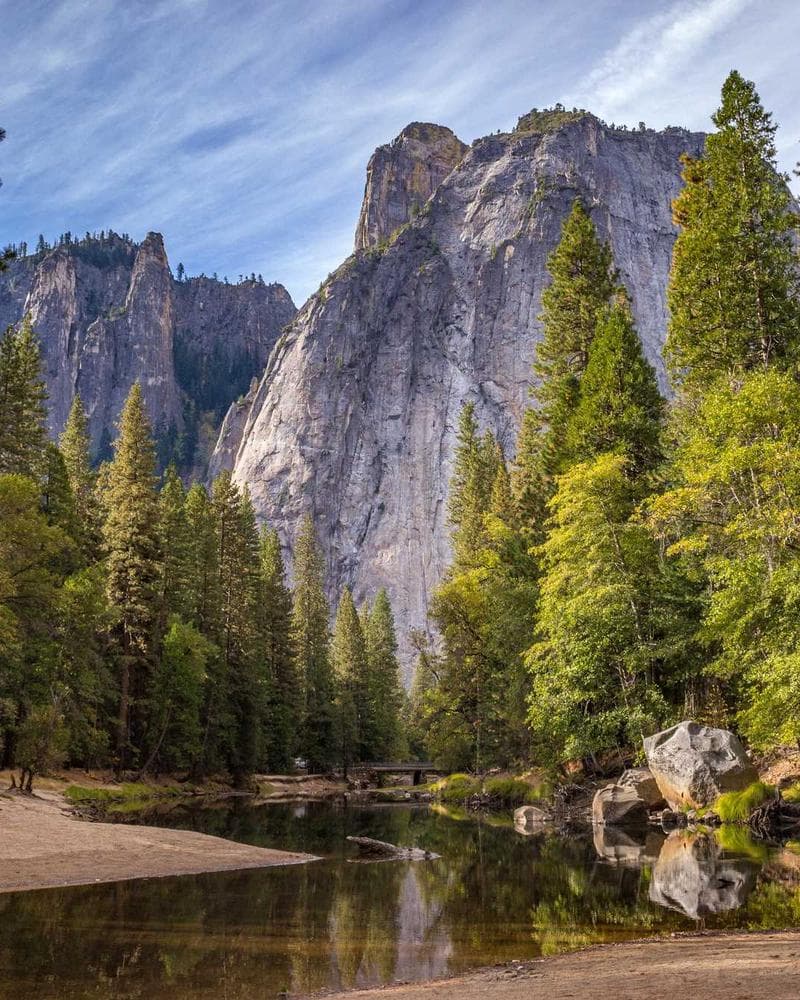
Light, Color, Effects and Detail share one ruler under the photo. Pro tools are a tap away when you want them.
- Light and colourExposure, contrast, highlights, shadows, warmth, tint, saturation and vibrance.
- EffectsGrain, fade, halation, bloom and vignette.
- Curves, HSL and gradingFor the whole photo, or just the subject, background or sky.
- RAWRAW photos get their own exposure, boost, noise and detail controls.
Fix the little things, gently.
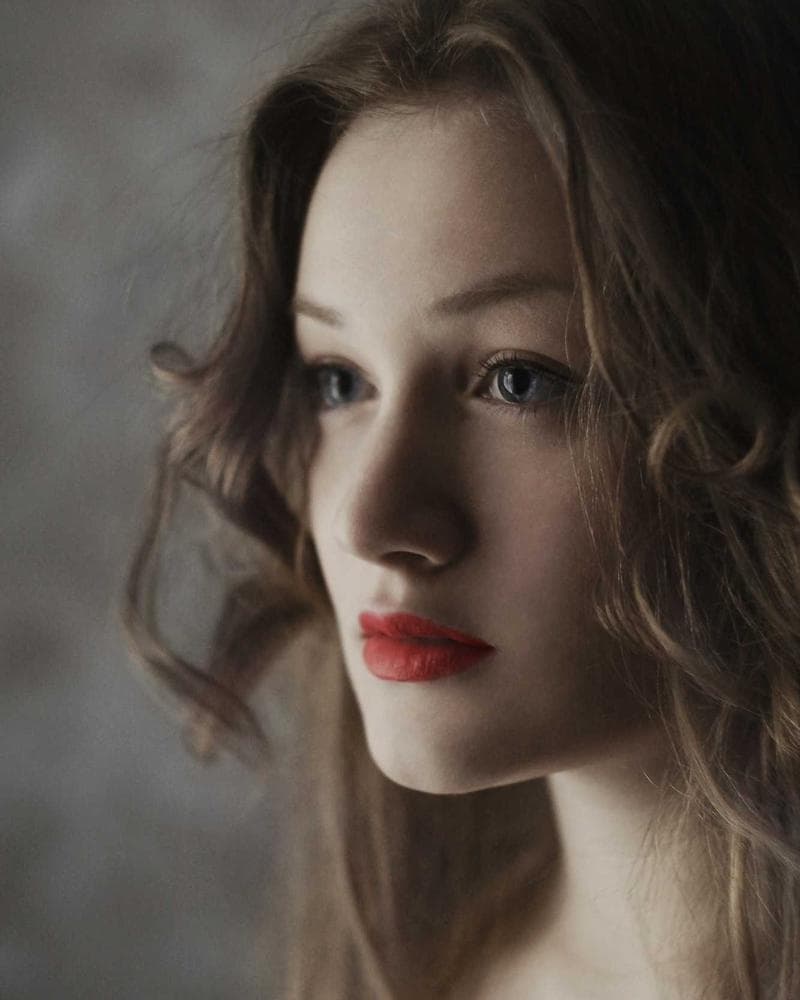
Brush over what you want to change. Mary takes the bigger jobs when you sign in.
- Skin, eyes and teethSmooth skin, brighten eyes and whiten teeth, with a strength for each.
- RemoveBrush away spots and small things that don’t belong.
- SkyDeepen the sky, or swap it for one of six skies drawn on your device, with Relight.
- Smart fill and moreMaryRemove big things, change the background, expand the photo, restore faces.
Straight lines, right size.
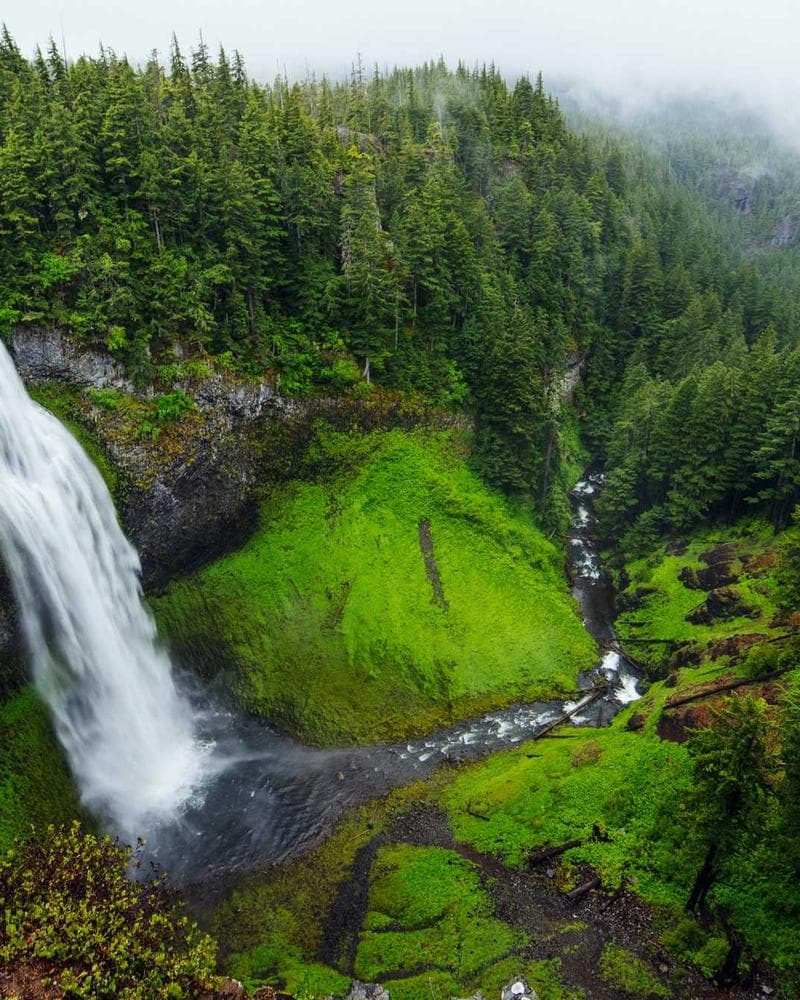
Pick the shape for where the photo is going, then straighten it by eye or with Level.
- Sizes1:1, 4:5, 9:16, 16:9, 3:2, 2:3, 4:3 and 3:4.
- Straighten and LevelAny angle by hand, or level the horizon in one tap.
- PerspectiveFix leaning buildings, up and down or side to side.
- Best cropMaryMary suggests a crop for the photo you have open.
Ready for the post, or the wall.
Fit the whole photo into a post or a story, or give it an even border. Then add text you can drag anywhere.
- Fit4:5, 9:16 or 1:1 with nothing cropped.
- BordersWhite, black, a blurred copy, blush, sand, sage, or colours from your photo.
- TextLines you can drag, resize and style, with ready-made templates.
- Story sizeOne tap to 9:16 with the photo kept whole.
Nothing lost, nothing to lose.
Every step is kept as you go. Save when you are happy, in the format you want.
- FormatsHEIC, JPEG or PNG, at any size, with location removed.
- Save at 2xTwice the width and height, resampled on your device and offline. Not an AI upscale.
- HistoryStep back to any point, or pick up a draft from Home for 30 days.
- Original staysSaving makes a new photo. Your original never changes.

Open from wherever you are.
Mariframe works inside Photos, the share sheet and Shortcuts, and lays itself out for iPad.
IMG_2048HEIC · 12 MP · 1 photo MariframeMailNotesFiles
- In PhotosTap Edit in the Photos app and Mariframe is right there. Revert always brings the original back.
- Share sheetPick photos in any app, tap Share, and Mariframe saves a copy with your look.
- ShortcutsApply a look, Auto enhance, resize and convert, or add a frame to many photos at once.
- iPadIn landscape the photo fills the screen and every tool sits in one side panel.

See it on your photos.You’re already holding it.
No ads, and no account needed.