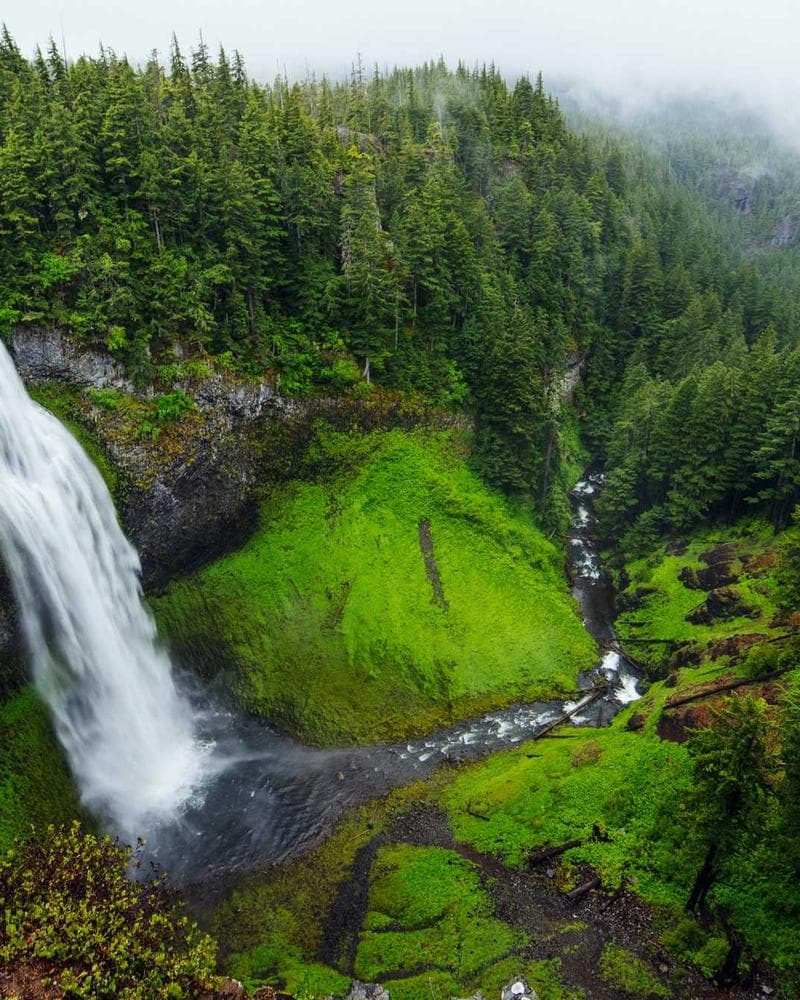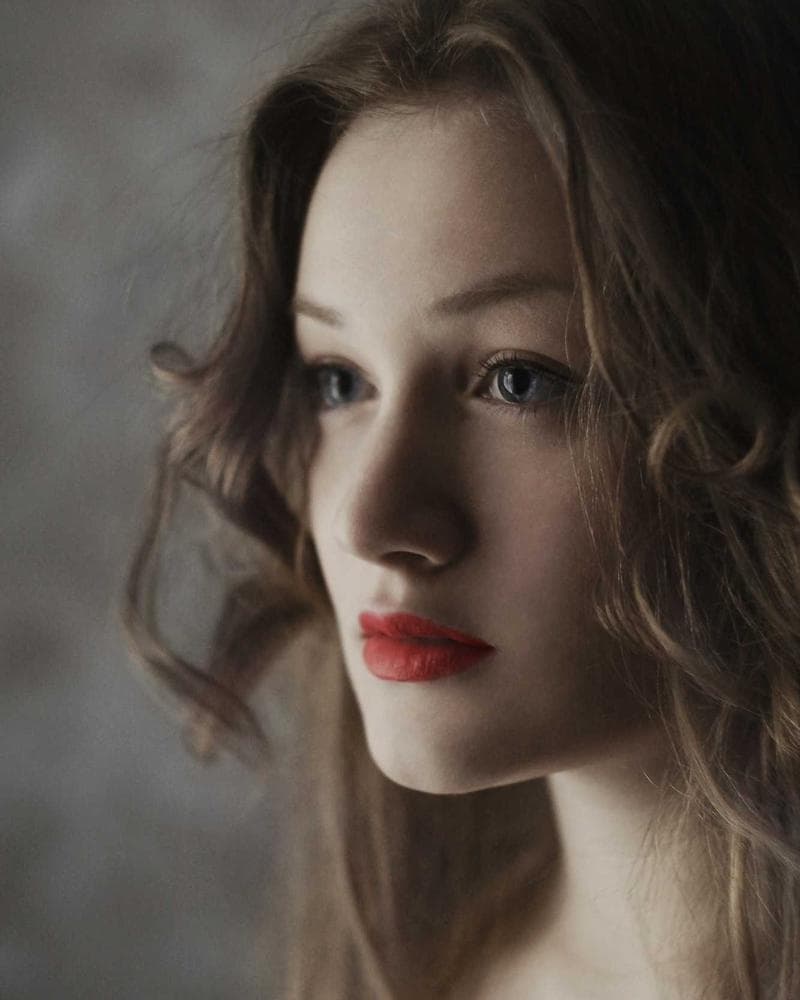
Edits made for this photo
Mary looks at the photo and sets the light, a tone curve and split toning for it. She never picks a ready-made filter, so every slider stays yours to change.
- Warmer
- Brighter faces
- More mood
- Like film
Mary is the assistant built into Mariframe. Tell her what you want and she makes the change, then explains what she did. Every change is a card you can keep or undo.
You sign in inside the app. Reset at midnight UTC. Nothing to buy, ever.

It works like a chat over your photo. Nothing is final until you keep it, and your original never changes.
Type what you want, or tap one of the ideas Mary suggests for this photo.
She makes the change on the photo and tells you what she did, in a sentence.
Each change is a card. Keep it, undo it, or ask for “a bit less”.
Ask for a feeling, a fix, or a change to one part of the photo. You see the result in a second or two.
Mary looks at the photo and sets the light, a tone curve and split toning for it. She never picks a ready-made filter, so every slider stays yours to change.
She hands the hard parts to an image model: taking things out, a new sky or background, more room around the photo, and faces that are sharp again.
Say “the boat” or “her jacket”, tap the subject, or draw around it. Mary changes that part and leaves the rest alone.
Every edit you make yourself stays here. Your photo leaves only when you ask Mary.
A language model reads your request and plans the edit. An image model does Smart fill, skies, backgrounds, Expand and faces. Each sees only what its step needs.
Mariframe doesn’t store the photo. It keeps only a count of your edits for the daily limit.
Short answers to what people ask first. Everything else is on the support page.
Yes, a free one. Sign in with Apple or Google in the app. Everything else in Mariframe works without an account.
Each reply from Mary that changes the photo, and each Smart fill, new sky or background, Expand or face restore. When Mary hands a fix to one of those tools, it counts once.
Two kinds, working together. A language model plans edits and answers in the chat. An image model makes the pixel edits: Smart fill, skies, backgrounds, Expand and Restore faces. Mariframe uses the best models available and can swap them without changing how Mary works.
No. The app sends a smaller copy without its location, gets the edit back, and Mariframe doesn’t store the photo.
No. Her changes are steps in your edit, and saving makes a new photo. Undo or step back in history at any time.
Something else? Ask on the support page

Sign in once, and Mary is ready.